Make links from wherever your thumb already is.
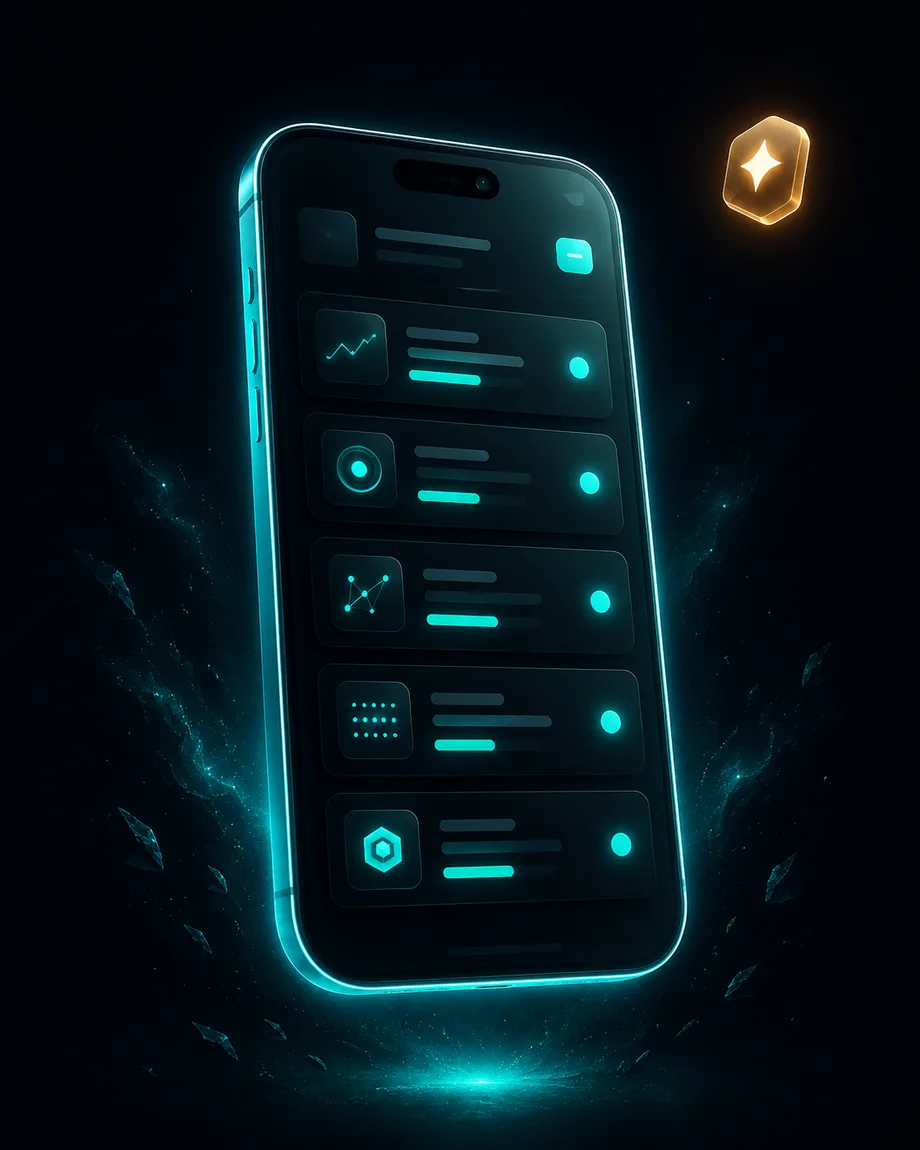
A native iOS and Android app for OfferSwap built around the share sheet: see a product in Amazon, tap Share, pick OfferSwap, and a branded link is on your clipboard. It is on the roadmap and not released yet.
- iOS and Android, share sheet first
- Your stats, checked from your phone
- Same account as the web dashboard
- Today: the dashboard works on any phone
Everything built in.
Make a link from the share sheet
Tap Share in Amazon, YouTube, Spotify or your browser, pick OfferSwap, and a branded short link is copied to your clipboard. No switching apps, no copy and paste.
Stats in your pocket
Open the app to see clicks, top countries and top referrers for any link, with an alert when a link passes a number you set.
Show a QR on screen
Every link already has a QR code in the dashboard. The app will put it full screen in one tap, for sharing in person.
Links that open the app
This part is live now. Someone who taps your link on a phone lands in the Amazon, YouTube or Spotify app instead of a browser tab, and a tap inside Facebook or Instagram gets out of their built-in browser first.
There is no date yet. This page will change the day it is in the App Store and Google Play.
Open app.offerswap.com in your phone's browser and add it to your home screen. The dashboard is built for phones: paste a product URL, save it, tap Create campaign and your link is copied. Your stats are on the same screen.
Yes, from a computer. Install @offerswap/mcp in Claude Desktop, Cursor or another MCP client and ask it to "make a short link for this Amazon URL". The MCP server runs on your computer, so the chat apps on your phone cannot use it.
Making links, stats and the everyday settings, yes. Billing, API keys and the larger campaign setup stay on the web, where a big screen helps.
The native app is on the way. The dashboard works on your phone today.
Connect your agent in 30 seconds. One MCP install, no card.